
A South Korea travel eSIM can be convenient, but “best” depends on your device, existing phone plan, and whether you need data, calls, or a Korean number. This is a decision and setup guide—not a ranking of individual eSIM brands.
Quick facts
- Need only maps, messaging and bookings? A data-only travel eSIM or roaming plan may be enough
- Need to receive local calls or SMS? Confirm the plan includes a Korean number — “unlimited data” does not mean it does
- Airport roaming centres at Incheon, Gimpo, Gimhae and Jeju sell prepaid USIMs and rent Wi-Fi eggs and phones
- Physical USIMs are also sold at CU, GS25, 7-Eleven and Emart24, but stock varies by branch
- Before buying an eSIM, check your phone supports it and is unlocked (iPhone: Settings → General → About → Network Provider Lock)
- Last checked: October 28, 2026
Choose the type of connection first
| Option | May suit you if | Check before paying |
|---|---|---|
| Your home carrier’s roaming plan | You want to keep using your current number and avoid changing SIM settings | South Korea coverage, price, high-speed data, and how your home carrier bills calls and messages |
| International travel eSIM | You mainly need mobile data for maps, messaging, and bookings | Supported Korean network, validity/start trigger, high-speed data limit, hotspot, and whether voice/SMS are included |
| Korean prepaid tourist SIM/eSIM | You want a local operator’s service and may need a Korean number | Whether the exact product includes a number, incoming/outgoing calls, SMS, and any verification limits |
| Physical prepaid SIM (USIM) | Your phone cannot use eSIM or you prefer a store/airport counter to help set it up | Device size/lock status, pickup location and opening hours, and the same plan terms above |
The Korea Tourism Organization says major airports have carrier roaming centres and that prepaid SIMs are offered in physical USIM and eSIM formats. Product features and purchase channels vary by carrier. Start with its current communications guide, then confirm the exact offer
Where to buy a SIM or eSIM in Korea
VISITKOREA’s communications page (last updated September 11, 2026; checked October 28, 2026) lists these options:
- Airport roaming centres: Incheon, Gimpo, Gimhae and Jeju international airports have counters run by Korean carriers (KT, SK Telecom and LG U+). They set up roaming, sell prepaid USIM cards, hand over cards ordered online, and rent Wi-Fi eggs and smartphones.
- Convenience stores: CU, GS25, 7-Eleven and Emart24 sell physical USIM cards, but stock varies by branch, so check the chain’s website or app first.
- Online: an eSIM is bought online and installed by scanning a QR code; a USIM can also be ordered ahead and collected at the airport.
- Free Wi-Fi as a backup: public Wi-Fi is available at airports, subway and train stations and some bus stops.
Fees and counter locations are published on each carrier’s own roaming site; this guide does not quote prices.
Do you need a Korean phone number?
If you mostly need maps, translation, messaging, and web access, a data-only plan may be enough. If you expect to receive local calls or SMS, check that the plan explicitly includes those functions: “unlimited data” does not necessarily mean it includes a Korean number, outgoing calls, or texts. A tourist number also may not satisfy every Korean service’s identity-verification requirements.
For restaurant waitlists, local reservations, and other number-related use cases, see our separate guide to whether you need a Korean phone number before paying extra for a voice/SMS plan.
Check your phone before buying
- Confirm that your exact phone model and regional variant support eSIM; feature support can differ between versions of the same device.
- Check that the phone is not locked to your home carrier. Apple users can look in Settings → General → About → Network Provider Lock; “No SIM Restrictions” means the iPhone is unlocked. For other phones, ask the manufacturer or carrier for the correct check.
- Confirm that your home carrier allows a second SIM/eSIM and that it will remain available for calls or texts if you want to keep your number active.
- If the phone is incompatible or locked, compare your carrier’s roaming plan or a physical prepaid USIM instead.
Apple explains that supported iPhones can use a home line and a travel eSIM together, but one line is selected for mobile data at a time. Read Apple’s travel eSIM guide and Dual SIM instructions; Android menus and capabilities depend on the manufacturer and model.
Compare the plan details—not just the headline data
Before purchase, check these terms on the exact plan page:
- Data allowance: Is the plan capped, daily, or advertised as unlimited with reduced speed after a high-speed allowance? Estimate your needs from your recent phone usage; there is no reliable data amount that fits every traveler.
- Validity: When does the plan clock begin—purchase, installation, or first connection to a Korean network—and which local time zone applies?
- Coverage: Which Korean network does it use, and does it cover the places on your actual itinerary?
- Hotspot/tethering: Is it allowed, and is there a separate limit?
- Voice and SMS: Is the plan data-only, or can it receive calls/texts? Can it make outgoing calls or send SMS, and what are the charges?
- Setup and support: Does installation require Wi-Fi, can the QR code be re-used, and what is the provider’s support/refund process if activation fails?
Install and activate without losing your home line
- Read the provider’s installation instructions before purchase. Some plans can start when installed; others start on first connection, so don’t install early unless the provider says to.
- Use reliable Wi-Fi for setup and keep the QR code, activation details, and support contact accessible offline. Follow the provider’s directions rather than deleting or reinstalling a line if setup fails.
- Label the lines “Home” and “Korea travel” so you can identify which one carries data, calls, and texts.
- After landing, select the travel plan for mobile data. If you keep your home line on, check your home carrier’s roaming charges; data switching or background use can create extra fees. Set data roaming separately on each line only as your providers instruct—the travel eSIM may require it while your home line should follow your carrier’s billing guidance.
- Test a map page and a message before leaving airport Wi-Fi. If data does not connect, check the selected data line, the plan’s start condition and APN/network instructions, then contact the provider before removing the eSIM.
Simple decision rule
- Already have affordable roaming? Compare its real data limit and total cost; it may be simpler than buying another plan.
- Need data only? Compare travel eSIM plans by total price, valid days, speed after any cap, hotspot terms, and support.
- Need local calls or SMS? Compare a Korean carrier’s tourist prepaid product and confirm the number features in writing; do not assume app identity verification will work.
- Unsure whether a Korean number is necessary? Read the linked number guide first. If an eSIM will provide data, our Korea travel apps guide explains how to prepare maps and translation.
Information basis
Device and plan-selection guidance checked September 28, 2026 against the Korea Tourism Organization’s communications page and current Apple Support pages. Provider offers, prices, network partners, phone-number features, data limits, activation rules, and refunds change; check the exact plan and your device with the provider before purchase. This article does not rank or claim to have tested a specific seller.
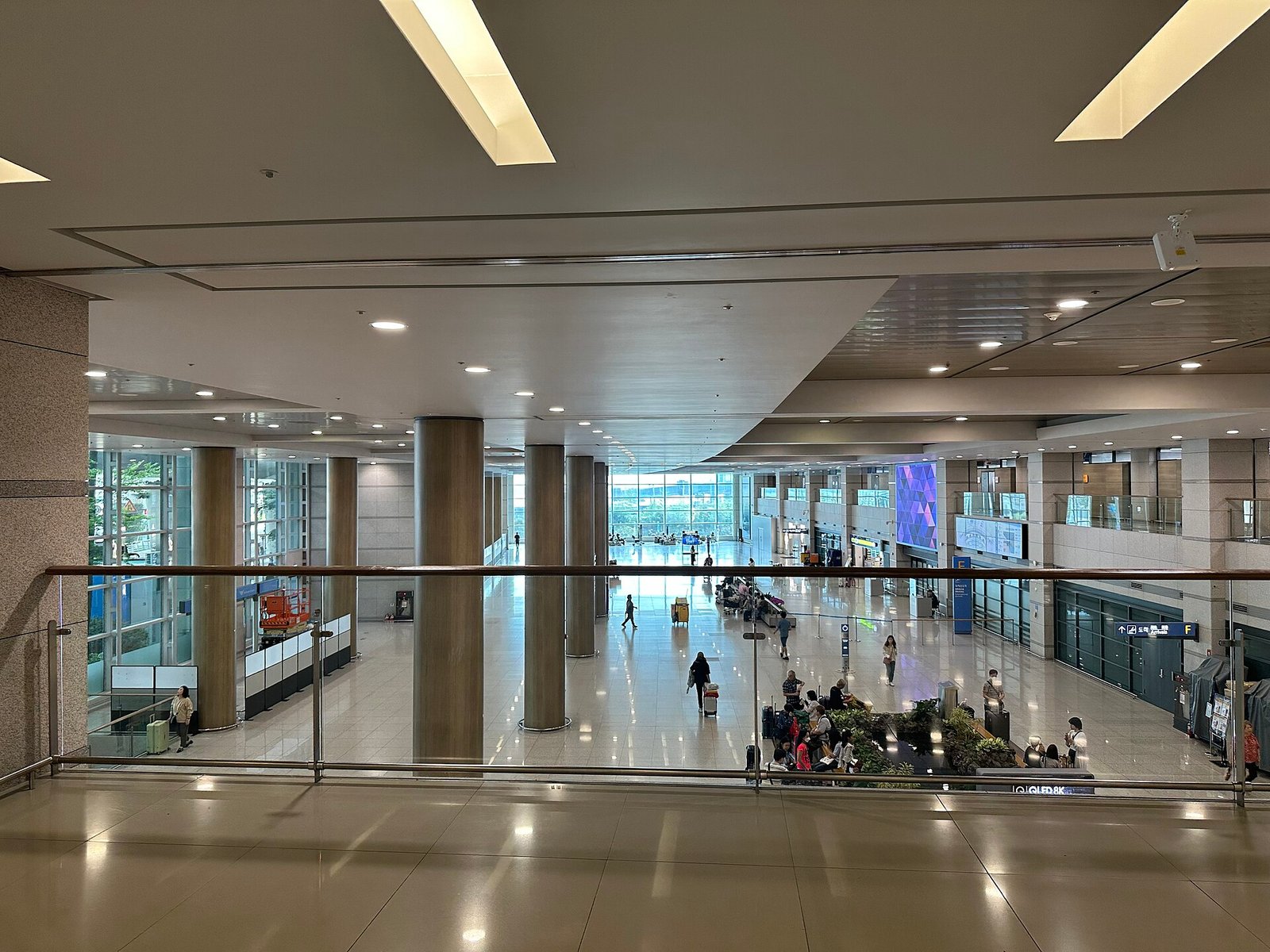
Featured photo: Incheon Airport Terminal 1 arrival area, September 2023. Photo: ノボホショコロトソ / Incheon International Airport Terminal 1 Arrival 3.jpg; CC BY 4.0. Resized for web display; no content retouching.
